Styles
Start from a recipe or a blank brief. Calibrate it with instructions, reference images and test photos. Publish when results hold up.
Subjects
A published style applies to whatever the shopper uploads. These examples are illustrative and generated for this site.
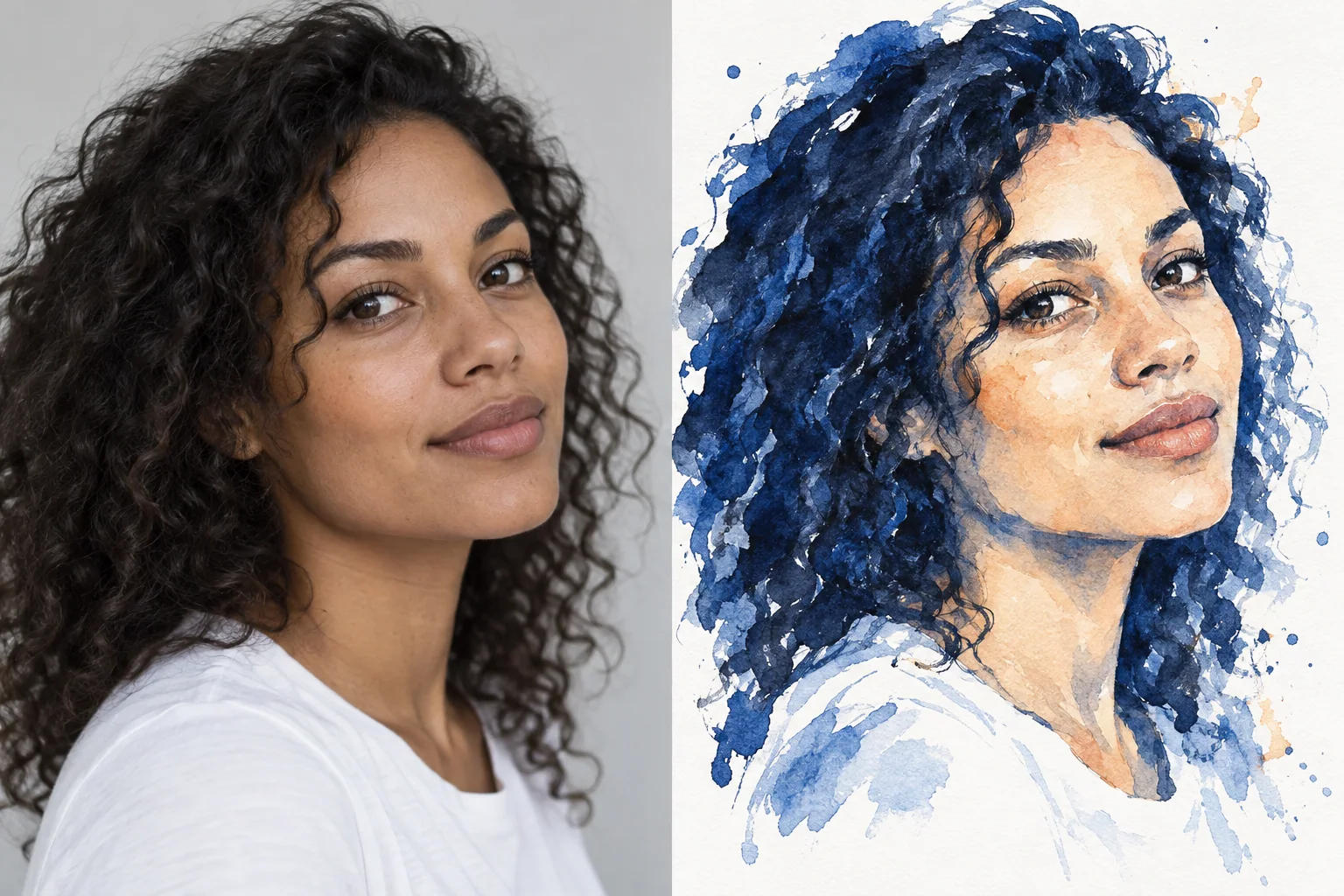
Portrait
Ink and wash
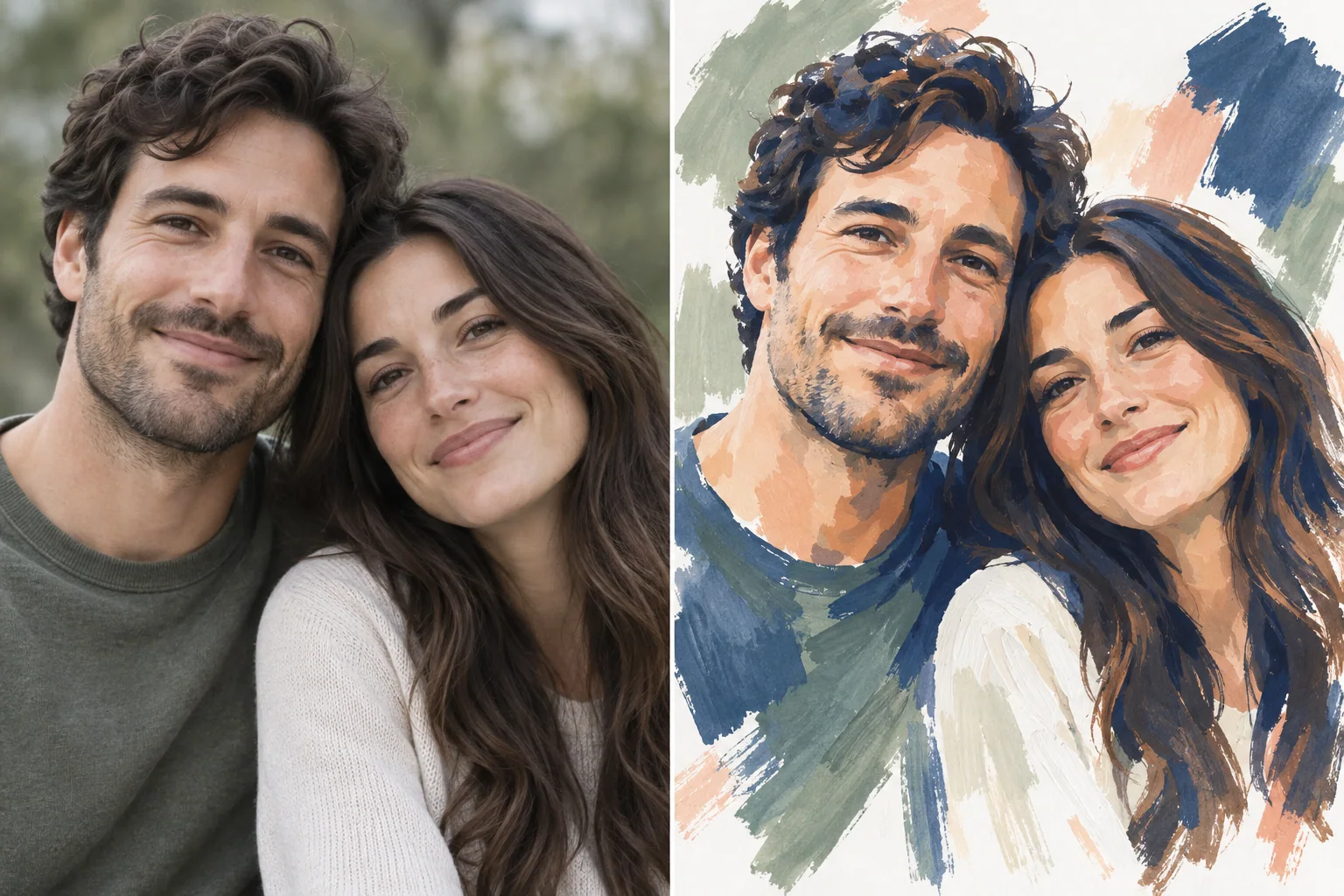
Couple
Gouache
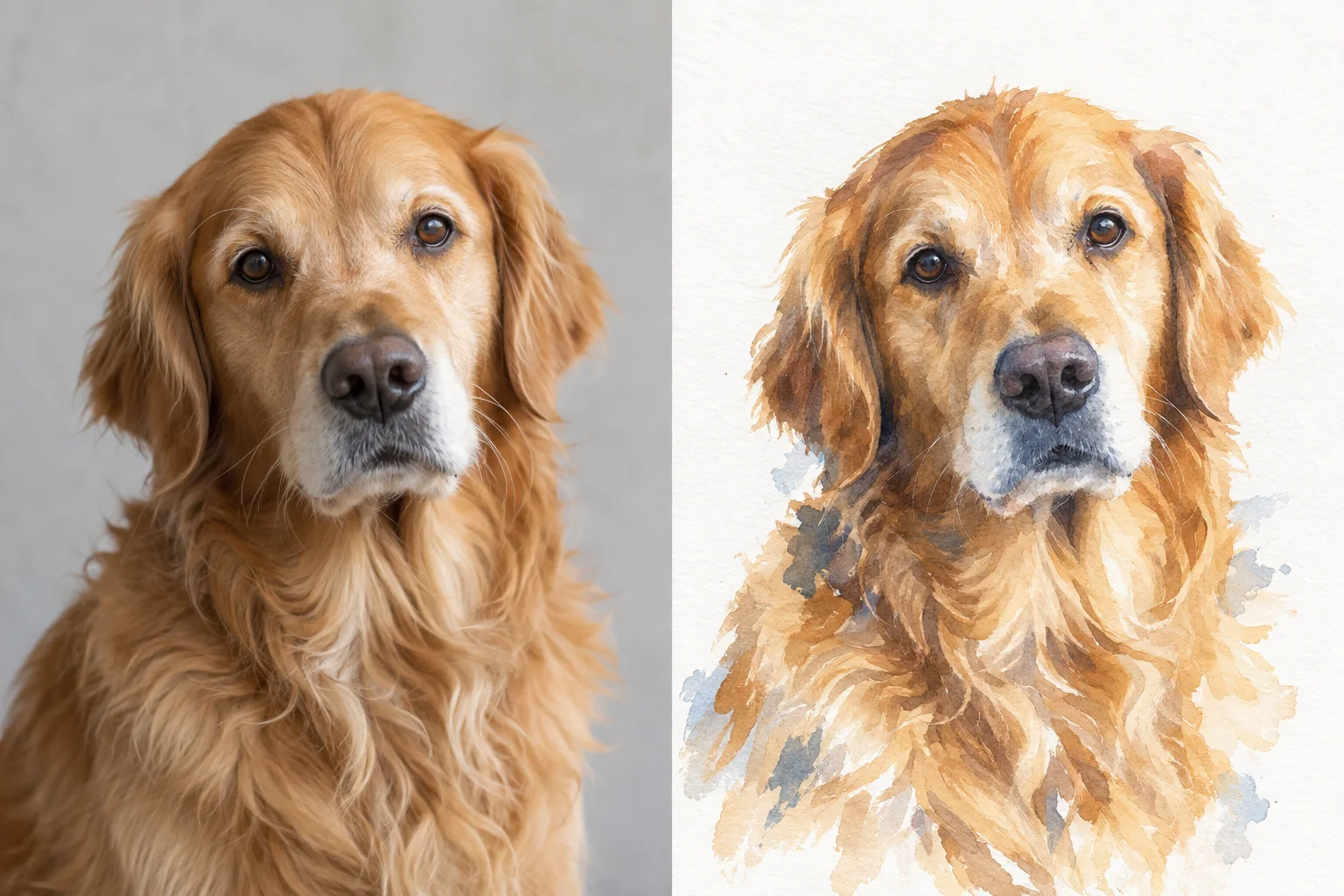
Pet
Watercolor
Also: families, groups, keepsakes and other subjects a shopper photographs.
Starter recipes
Written briefs to start from, included in every store. Picking one creates a private draft to edit and test; nothing is published automatically.
- Watercolor portraitWritten for people, couples, families
- Illustrated petWritten for dogs, cats and other pets
- Vintage editorial coupleWritten for couples, weddings, anniversaries
- Storybook characterWritten for kids, families, pets
- 3D cartoonWritten for pets, people, couples
- Colorful street artWritten for pets and people
- Fine line portraitWritten for couples, weddings, people
- Line art petWritten for dogs and cats
- Blue ink portraitWritten for people
- Neon pop portraitWritten for people and friends
- Cozy ChristmasWritten for pets, people, families
- Autumn harvestWritten for pets, couples, families
Or describe any look
Beyond the recipes, merchants brief their own look in their own words. Results depend on the brief, references and photo, so test before publishing.
- Ink and wash“Blue ink and watercolor wash, loose hair strokes, warm skin, white paper ground.”
- Gouache“Gouache portrait, broad visible strokes, navy, sage and peach palette, white ground.”
- Watercolor“Loose watercolor on cold-press paper, warm light, visible washes, white ground.”
- Ink line drawingDescribed in the style brief
- Oil paintingDescribed in the style brief
- Pencil sketchDescribed in the style brief
- Flat vector illustrationDescribed in the style brief
- Screen-print posterDescribed in the style brief
- Pop artDescribed in the style brief
What calibration covers
Calibration is not model training. A style is a saved brief with rules and references, refined through tests on real photos. Everything below exists in the Perzo style studio and product settings today.
- Starting point
- An editable starter recipe or a blank brief. Either way the style belongs to the store and starts as an unpublished draft.
- Description
- The look in plain words: medium, mood, colors, background.
- Always and never
- What every result must keep, such as “keep every person in the photo”, and what it must not contain: text, frames, extra subjects.
- Rules
- Short, checkable lines such as “plain background” or “subject fills the frame”.
- Reference images
- Up to four examples of the finish, stored privately with the style and never shown to shoppers.
- Versions and tests
- Every change is saved as a new version. Test versions on sample photos, compare results side by side, publish one and roll back at any time.
- Image model
- Styles use Perzo’s default image model unless the Perzo team has enabled another. No AI account or API key to manage.
- Print shape and resolution
- Per product: print size, bleed and minimum DPI. Shoppers frame to that shape and see a warning when detail is low.
- Shopper limits
- How many versions a shopper can create per session.