Holiday guide
Sell Christmas pet portraits on Shopify
Shoppers upload a photo of their pet, approve it as holiday art and buy it on your product. Here is the short version, before the rush.

Holiday looks your shoppers can order
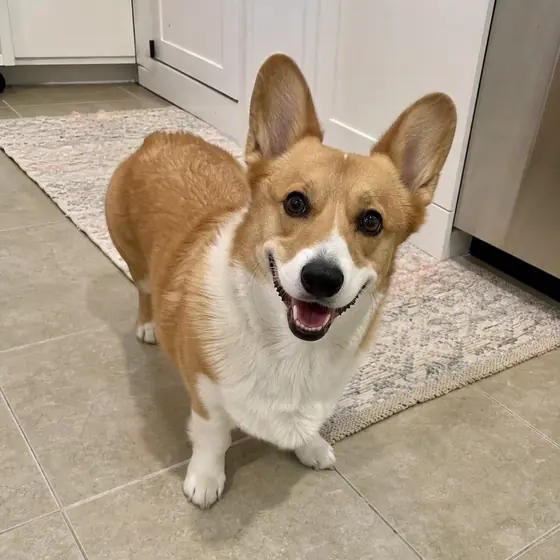
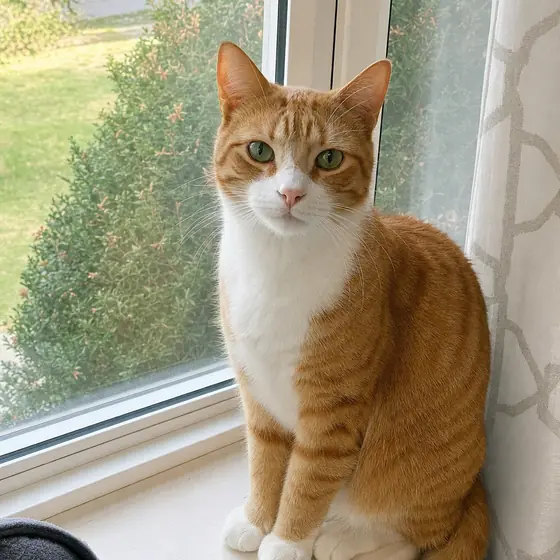
You create each holiday style from reference images of the look you want to sell. Tap a card to see the photo it started from.
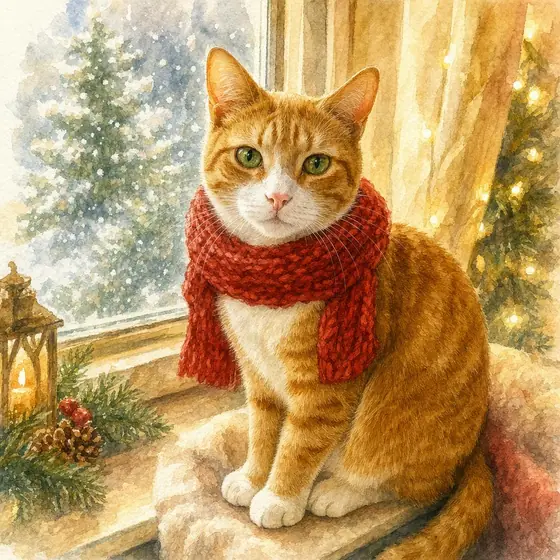
Cozy watercolor
Soft washes, warm light and a knitted scarf.
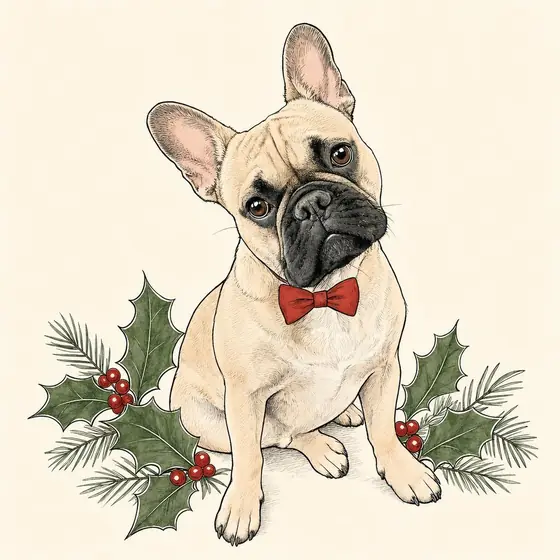

Festive line art
Clean ink lines with touches of red and green. Suits mugs and shirts.
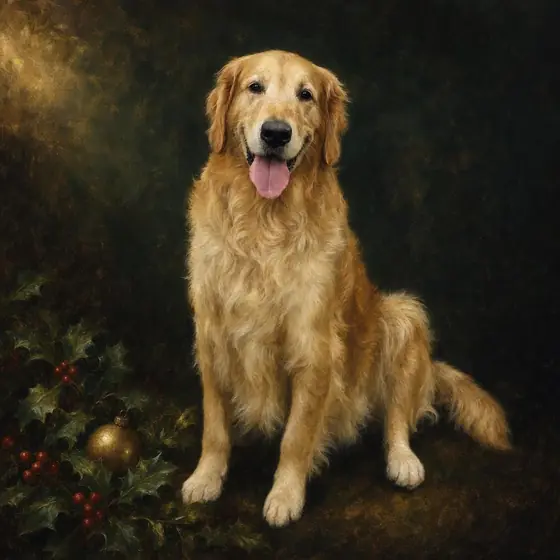
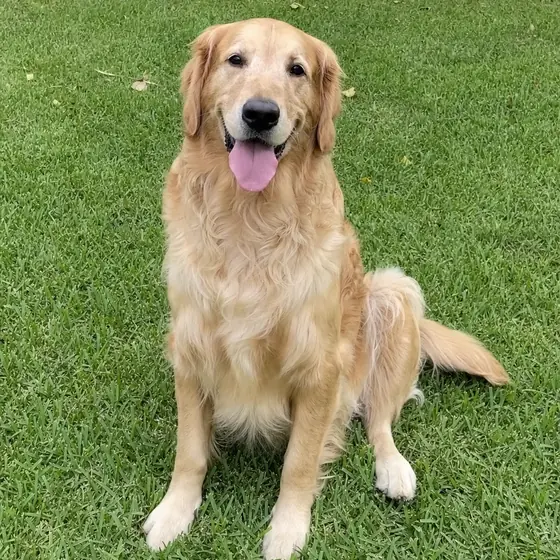
Classic holiday portrait
A painted look on a dark background, for framed prints.
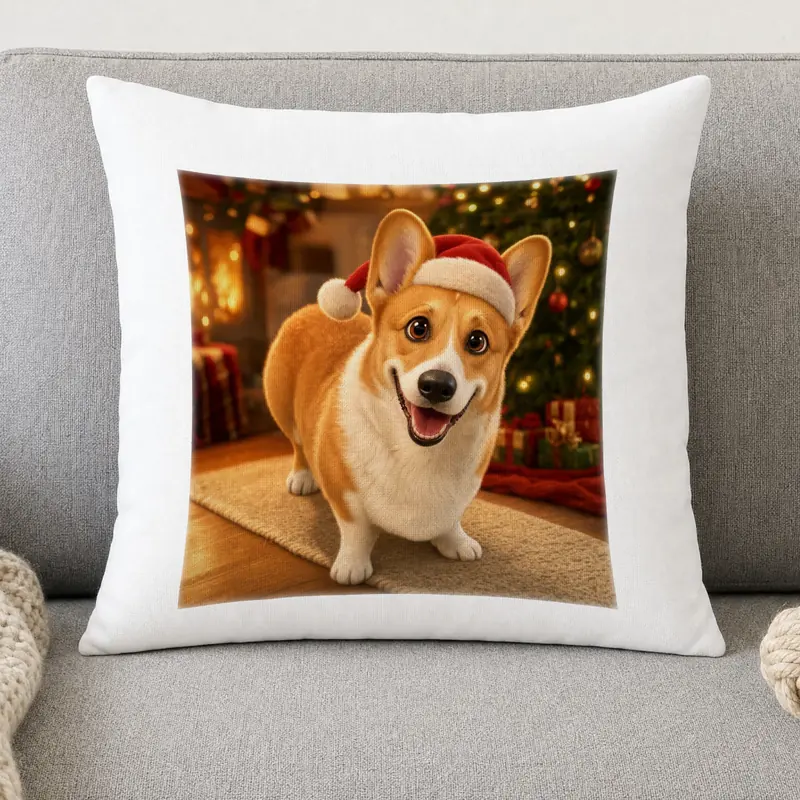
3D cartoon
Bold and playful, with a Santa hat and tree lights.
Illustrative examples generated for this site from sample photos (no real customer). Results depend on your style and each photo, so test before publishing.
On your products
Shoppers see the art on your product photo when a mockup is set up. These were rendered with Perzo’s mockup renderer.
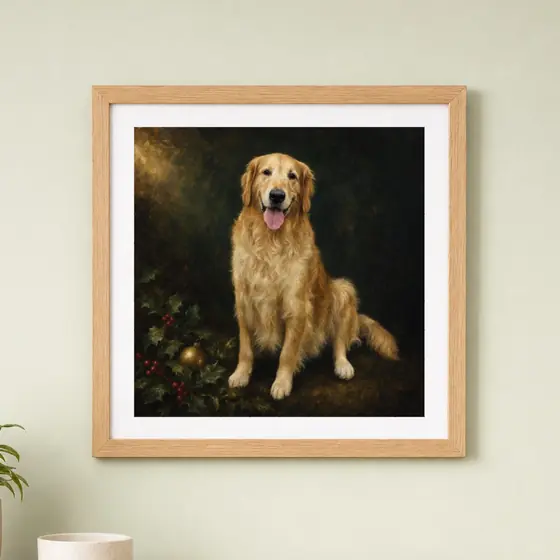 Framed print
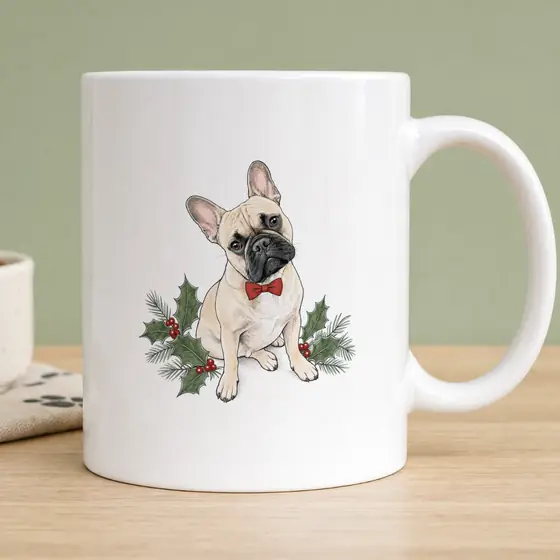 Mug
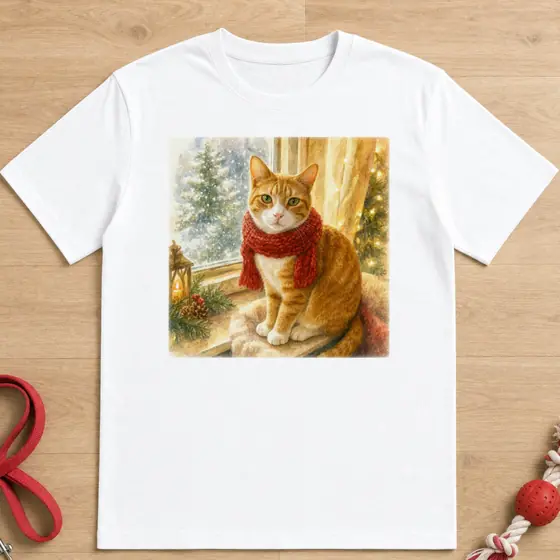 T-shirt
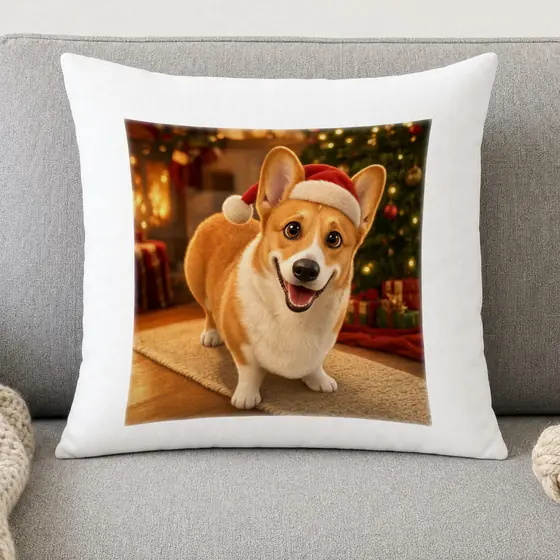 Pillow
Live in 3 steps
All in your Shopify admin, no code. The full walkthrough is in the guide to selling custom pet portraits on Shopify.
- 1
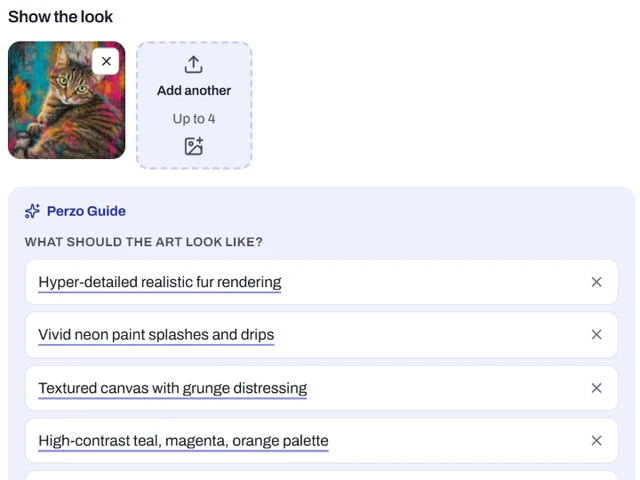
Create a holiday style
Upload one to four examples of the look. Perzo Guide describes it in points you can edit. Test on sample photos, then publish.
- 2
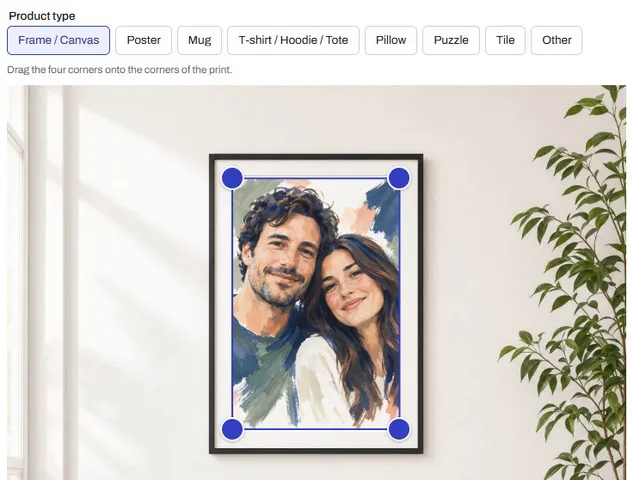
Put it on your products
In Mockups, place the print area on a photo of your blank product. Then add the Perzo block to the product page in the theme editor.
- 3
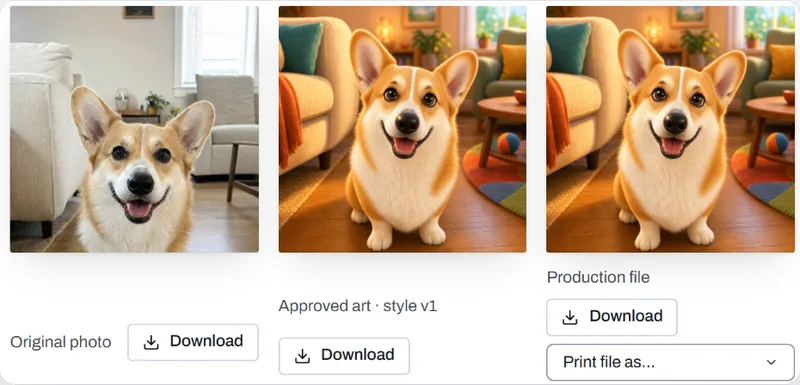
Download and print
Each linked personalized order shows the photo, the approved art and the print file. Download it and send it to your printer.
Christmas checklist
The deadlines, photos, prices and printing are yours to plan.
Start early, set your cutoff
- Order samples, then create and test your holiday styles and mockups before the season starts.
- Set your order-by date from your production time, shipping times and your printer’s holiday cutoffs. Show it on the product page.
- Perzo does not show shoppers shipping or delivery dates; its production-day setting only powers your internal due date.
Ask for a good photo
- One pet, face visible, eyes in focus.
- Daylight, no flash, at the pet’s eye level.
- The original photo, not a screenshot. Buying a gift? Ask the owner for it.
Price from your costs
- Price = print cost + shipping + personalization cost + your margin
- Each successfully created AI result uses one generation credit, whether or not the shopper buys. Failed or stopped generations are not charged.
- You set how many versions a shopper can create per session. See plans
Send files to your printer
- Download the print file (PNG, JPEG, PDF or TIFF) and send it to your printer or print-on-demand provider with the order details.
- Perzo has no direct print-on-demand integrations yet: plan time for it every day of the season.
This guide uses Perzo, our Shopify app. The advice on timing, photos and pricing applies whatever tool you use. See also how Perzo works for pet portraits.